
The 3 Best Weight Gain Apps in 2024

In today’s digital age, keeping track of your weight gain goals has become easier with the help of various mobile apps that monitor your nutrition and exercise.
If you are aiming to gain weight, whether it’s for athletic performance, muscle building, or health reasons, choosing the right app can make a significant difference.
Therefore, I have personally tested and compared several top-rated apps that can assist you in gaining weight.

What I Look for in a Weight Gain App
- Comprehensive Nutritional Tracking: It is essential to track not just calories but also macronutrients and micronutrients for anyone who wants to gain weight healthily. Detailed nutritional tracking helps tailor a diet that meets all dietary needs.
- Ease of Use: A user-friendly interface makes it easier to log meals, workouts, and progress consistently. Apps should be intuitive, making it straightforward for users of all tech-savviness levels to navigate and utilize their features.
- Customization: Weight gain journeys are unique to each person. The ability to customize aspects such as dietary goals, workout plans, and meal reminders makes an app more adaptable to individual needs.
- Integration with Other Devices and Apps: For individuals who use wearable devices or other health apps, the capability to synchronize data across various platforms allows for a comprehensive understanding of their health and fitness journey.
- Value-Added Features: Features such as meal planning assistance, workout suggestions, and motivational tools can significantly enhance the user experience beyond basic tracking.
- Community Support: A supportive community can be invaluable. Forums, challenges, and the ability to connect with friends within the app can offer encouragement and accountability.
- Cost vs. Benefit: While some apps offer more features for a premium, it’s important that the cost aligns with the value provided, especially for users who need long-term support.
- User Reviews and Ratings: Feedback from current users can provide insights into an app’s performance, reliability, and overall user satisfaction.
3 Best Weight Gain Apps
1) Calorie Counter by Cronometer
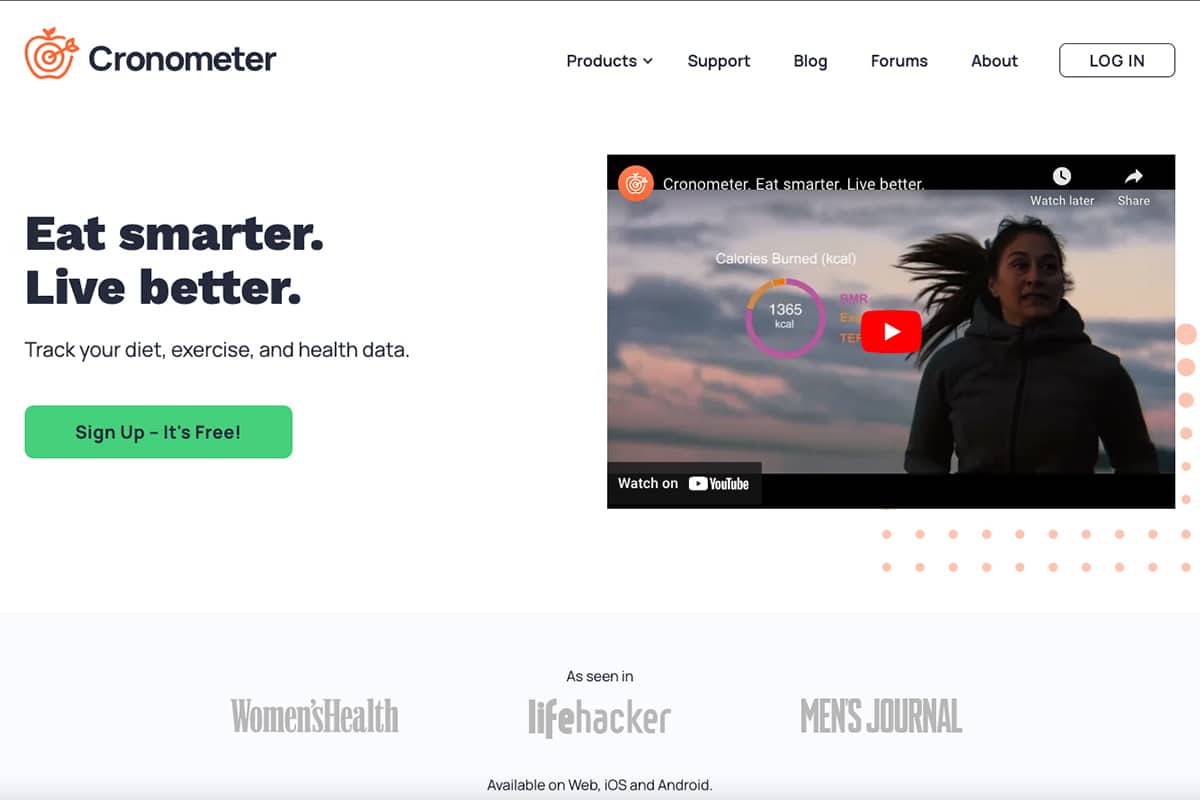
Calorie Counter by Cronometer is an excellent app for people who are serious about tracking their nutrition. It has a simple and intuitive interface that focuses on detailed nutritional tracking. The app not only tracks calories and macros but also covers a broad spectrum of nutrients, including micronutrients, making it highly valuable for users with specific nutritional needs.
The app allows for the creation of custom recipes, which saves you time logging in ingredients for your meal plans. Furthermore, Cronometer includes features such as eating reminders to help users maintain consistent meal times, and detailed weight goal tracking and analytics for a comprehensive view of progress.
While the free version of the app is supported by ads, the premium subscription removes ads and unlocks additional advanced features. The premium subscription is priced at $9.99 a month or $54.99 a year.
Pros:
- Comprehensive nutrient tracking that covers a wide range of dietary information.
- The ability to create and save custom recipes for accurate meal logging.
- Eating reminders to support consistent nutrition intake.
- Detailed analytics for monitoring weight goals and dietary progress.
- High user satisfaction is reflected in ratings of 4.7 on Android and 4.8 on Apple.
Cons:
- Premium version may be considered expensive by some users.
- Ads are included in the free version, which isn’t on some of their competitors.
2) Calorie Counter +
Calorie Counter + offers a straightforward and effective approach to weight gain tracking. Its user-friendly interface makes it an excellent choice for beginners or anyone who prefers a simple tracking experience.
Even though the app is straightforward, it has a comprehensive set of features, which includes tracking body measurements, weight goal analytics, and syncing with other apps for comprehensive health monitoring. Additionally, the app allows for the addition of custom recipes and exercise routines and provides eating reminders to help you stay on track.
Calorie Counter+’s premium version is priced at $5.99 a month or $29.99 a year, the most affordable among its competitors, and provides an ad-free experience in its free version, making it an excellent value proposition for users.
Pros:
- Most affordable premium option, perfect for budget-conscious users.
- The free version is ad-free, ensuring a smooth user experience without interruptions.
- Simple and easy-to-use interface, ideal for beginners.
- Useful features such as eating reminders and tracking body measurements.
Cons:
- Lacks some advanced features found in more comprehensive apps.
- While user-friendly, its simplicity may not satisfy users looking for in-depth tracking and analytics.
3) MyFitnessPal
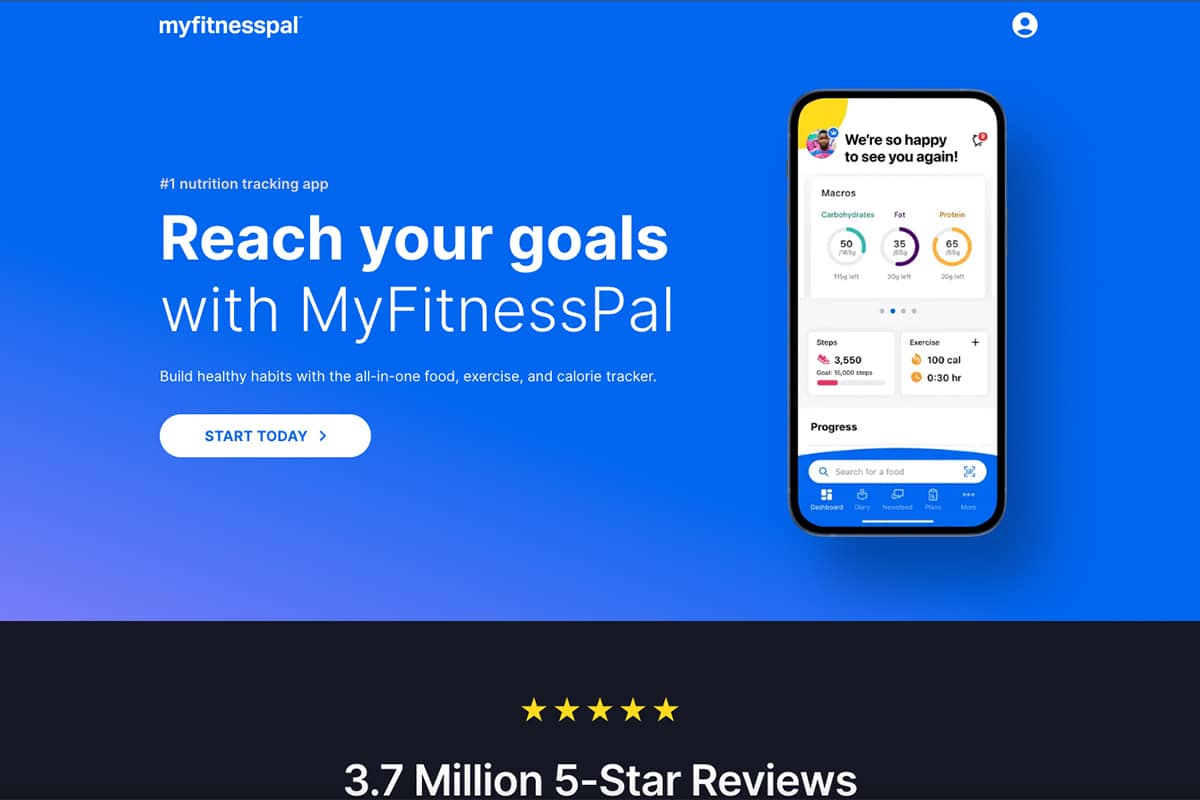
MyFitnessPal is a very popular app for tracking calories and fitness, with over 100 million downloads. It provides a combined platform for monitoring both exercise and nutrition, and offers built-in workout plans for beginners with customizable options for all fitness levels. The app also has detailed analytics that support weight goal setting, and includes meal reminders to help users stay on track.
MyFitnessPal can sync with other apps to incorporate steps counted into daily calorie allowances and has community forums and the ability to add friends to foster a motivational environment for achieving your weight gain goals.
While MyFitnessPal has an extensive range of features for comprehensive health tracking, the premium version is relatively expensive at $19.99 per month or $79.99 annually, and the free version contains ads.
Pros:
- A vast array of features for comprehensive health tracking.
- Large, active community for support and motivation.
- High user engagement, evidenced by its status as the most downloaded app in its category.
Cons:
- Premium subscription is relatively expensive.
- Ads are included in the free version, which some of its competitors don’t have.
- While highly rated on Apple 4.7, Android users rate it slightly lower at 4.0.
How to Get the Most from an App for Weight Gain
To get the most out of a weight gain app, you need to do more than just download it and sporadically log meals. Whether you’re using Calorie Counter by Cronometer, Calorie Counter +, or MyFitnessPal, there are strategies you can use to maximize your chosen app’s benefits. Here’s how to use these apps effectively in your weight gain journey:
1. Set Clear, Achievable Goals
Before diving in, define what you want to achieve. Are you trying to increase your body weight, gain muscle, or enhance your athletic performance? Set specific, measurable, achievable, relevant, and time-bound goals within the app to track your progress.
2. Regularly Log Your Meals
Consistency is key. The more accurately and consistently you log your meals, the better you’ll understand your caloric and nutrient intake. Use features like barcode scanners and custom recipe savers to make logging easier and more precise.
3. Leverage Custom Recipe Features
If your app allows it, saving custom recipes can simplify the logging process for homemade meals and ensure your caloric and nutrient calculations are accurate. Take the time to create a library of your weight gain recipes.
4. Engage with the Community
If your app has a community feature, use it. Sharing your journey, asking for advice, and offering support to others can be incredibly motivating. It’s also an excellent way to discover new weight gain tips, recipes, and strategies.
Another great way to join a community is to join our Weightgain-Recipes private Facebook group.
5. Analyze Your Progress Reports
Don’t just log data; analyze it. Regularly review your progress reports to understand trends in your eating habits, nutrient intake, and weight changes. Use this data to adjust your diet and exercise plans as needed.
6. Integrate Physical Activity Tracking
If your app allows it, track your physical activity alongside your dietary intake. Balancing your calorie surplus with adequate exercise is crucial for healthy weight gain, especially if you’re aiming to build muscle.
7. Customize Your Notifications
Set up reminders and notifications to log meals, drink water, or update your weight. These little nudges can help keep you accountable and ensure you’re regularly updating your progress.
8. Be Patient and Persistent
Healthy weight gain, like weight loss, takes time. Be patient with yourself and persistent in your efforts. Trust the process, and make adjustments based on your progress and experiences.
Conclusion
In the end, the effectiveness of a weight gain app also extends beyond its features to how well it combines with your daily routine and supports your long-term goals.
Whether you prefer the detailed tracking features of Cronometer, the user-friendly interface of Calorie Counter +, or the comprehensive features of MyFitnessPal, your dedication to using the app consistently will be the key to your success.